The best eSIM setup for digital nomads and long stays
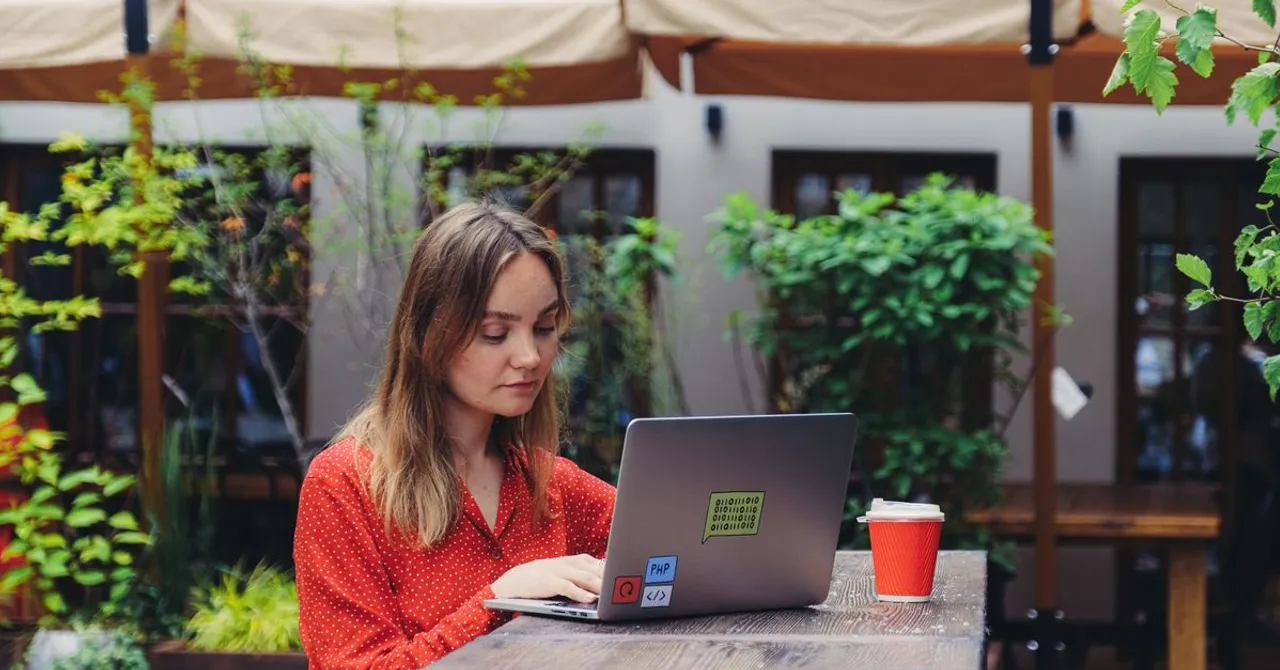
Run a regional plan covering the area you move through, top it up month to month on the same profile instead of reinstalling, and keep your home SIM active for calls and 2FA with its own roaming off. Go global only when your route is genuinely unpredictable, and keep a backup plan ready.
Contents
A two-week holiday and a three-month stint abroad are not the same connectivity problem. On a short trip you buy one plan and forget about it; living out of a suitcase, connectivity is infrastructure, it has to survive border crossings, run a laptop for work calls, keep your home number reachable, and not fall over the afternoon a client needs you. This guide lays out a setup that holds up for weeks or months at a time, whether you're hopping countries every few days or basing yourself somewhere for a season.
Choose regional or global over single-country when you move
Single-country plans are the cheapest per gigabyte, and if you're settling in one place they're the right call. But the moment you cross borders regularly they stop making sense, a new country means a new plan, a new install, and a gap while you sort it out at the airport. A regional plan covering a whole continent (Europe, Southeast Asia, Latin America) follows you across every border on one profile, so nothing changes when your train crosses into the next country. Global plans widen that to dozens of countries at once, at a premium per gigabyte, and earn their keep when your itinerary is genuinely unpredictable. The trade-off is simple: the wider the coverage, the more you pay per GB, so match the plan to how much you move. Our buyer's framework walks through picking coverage against price.
Top up the same eSIM month to month: don't reinstall
Here's the habit that saves nomads the most hassle: once an eSIM is installed and working, keep it. When your data or validity runs low, top it up or add a fresh plan onto the same profile rather than deleting it and scanning a new QR code. Reinstalling every month means new setup, re-toggling your data line and roaming, and a fresh profile cluttering your phone's eSIM list each time. Topping up the line you already have keeps your settings intact and your connection uninterrupted. Most phones cap you at around ten stored eSIM profiles anyway, so a nomad who reinstalls monthly can hit that ceiling within a year. Keep one or two good profiles alive and recharge them from your Zwitchy account.
Run the travel eSIM alongside your home SIM
The reason an eSIM setup works for months rather than days is that you never give up your home number. Modern phones run two lines at once, your home SIM (physical or eSIM) and the travel eSIM, in dual-SIM mode. You set the travel eSIM as your data line so all your browsing, video calls and tethering ride the cheaper local networks, and you leave your home SIM active for calls and texts. That's what keeps your bank's two-factor codes and login SMS arriving on your normal number the whole time you're away, which matters when you're managing accounts from abroad. On Android the arrangement is the same; Pixel and other phones let you pick which SIM handles data and which handles calls. One warning: keep data roaming OFF on your home SIM so it never quietly bills you at your carrier's rates, and leave it ON for the travel eSIM, that's normal and doesn't cost anything extra.
Keep a backup, and budget data honestly
When connectivity is how you earn, one plan is a single point of failure. Two cheap safeguards cover you: a small second plan from a different regional pool on a spare profile, or, if you're basing somewhere for months, a local prepaid SIM once you've landed, which is usually the cheapest option for a long stay and a natural backup to your eSIM. For a long base, compare a local SIM against the eSIM and roaming before you commit.
Then be honest about how much data remote work actually burns. Maps and messaging are trivial; video meetings and tethering a laptop are not. As a rough guide, a video meeting runs roughly 1–2 GB an hour, and an hour of calls plus general work browsing, email and messaging is closer to 1–2 GB a day. Tethering a laptop for a full working day, cloud sync, video calls, the odd large upload, can eat 3–5 GB. Add it up and a remote worker on daily video calls and hotspot realistically needs 50–100 GB a month, sometimes more; someone doing lighter admin work on café Wi-Fi might get by on 15–20 GB. Estimate your own with the data calculator and buy a bit more than the number, because topping up mid-month is easy and running dry mid-call is not.
Whichever plan type you land on, the setup itself is the same short checklist. Do it once, at home, before you fly:
- Install the travel eSIM at home on Wi-Fi, before you fly, never scan a QR code for the first time in a foreign airport.
- Set the travel eSIM as your data line, and turn its data roaming ON.
- Keep your home SIM active for calls and texts, with its own data roaming OFF.
- Confirm your 2FA and banking SMS still arrive on your home number before you leave.
- Turn off "Allow data switching" so the phone can't silently fall back to your home SIM's expensive data.
- Note your plan's data allowance and expiry date, and check usage every few days in your Zwitchy account.
- Have a backup ready: a small second plan on a spare profile, or a local SIM once you settle in.
Not sure which plan type fits your trip? Use this as a starting point, then size the data to your own usage from the budgets above.
| Trip length / situation | Recommended plan type |
|---|---|
| A week in one country | Single-country plan, sized to the trip |
| Two to four weeks, one country | Larger single-country plan, top up if needed |
| A month hopping several countries | Regional plan covering the whole area |
| Continent-hopping, unpredictable route | Global plan, or a couple of stacked regionals |
| A base of 3+ months in one place | Regional plan with monthly top-ups, or a local SIM |
| Working remotely, wherever you are | Regional or global plan sized for tethering, plus a backup |
The single best nomad habit: keep one eSIM profile alive and top it up each month instead of reinstalling. Your data line, roaming and dual-SIM settings stay exactly where you left them.
Should digital nomads use a regional or a global eSIM?
Match it to how much you move. Staying in one region, Europe, Southeast Asia, Latin America, a regional plan is far cheaper per GB and covers every border on one profile. If your route spans continents and changes often, a global plan is worth the premium. When you settle in one country for a while, a single-country plan or local SIM wins on price.
Can I top up an eSIM instead of buying a new one each month?
Yes, and you should. Keep the working profile installed and add data or a fresh plan to it from your Zwitchy account rather than deleting it and scanning a new QR code. Your data-line and roaming settings stay in place, and you avoid filling up your phone's limited list of stored eSIM profiles.
Will I keep my phone number and 2FA codes on a long trip?
Yes. The travel eSIM is data-only and runs alongside your home SIM in dual-SIM mode. Leave your home SIM active for calls and texts, and your normal number keeps receiving calls and bank one-time codes the whole time, even while all your data flows over the eSIM.
How much data does remote work actually use per month?
More than a normal trip. Video meetings run about 1–2 GB an hour and tethering a laptop for a full day can use 3–5 GB, so a nomad on daily calls and hotspot often needs 50–100 GB a month. Lighter admin work mostly on Wi-Fi can land around 15–20 GB. Estimate yours with the calculator and buy a little over.
Do I still need a local SIM if I have a travel eSIM?
For short and medium trips, no, the eSIM is simpler and keeps your number. For a base of several months in one country, a local prepaid SIM is often the cheapest option and makes a good backup line, so it's worth comparing once you've settled in.


