eSIM-only iPhones: what to know before you travel
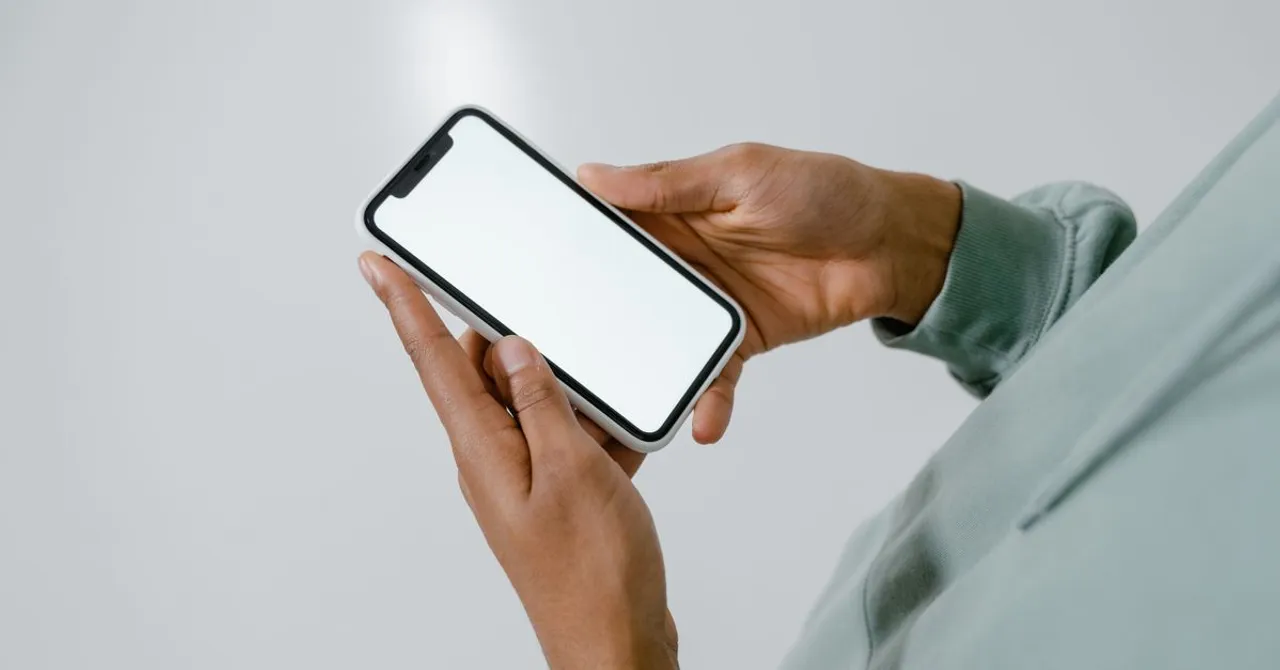
US iPhone 14, 15 and 16 models ship without a SIM tray, so plans live on the phone as digital eSIMs. No tray along the edge confirms it. You can store several profiles and run two at once: your home number for calls and codes with roaming off, a Zwitchy travel eSIM for data.
Contents
If you just bought a US iPhone 14, 15 or 16, you may have noticed there's no slot to pop a SIM card into. That's not a fault - these models are eSIM-only, and once you understand how they work, they're one of the easiest phones to travel with.
Wait, my iPhone has no SIM tray?
Since the iPhone 14, every iPhone sold in the United States ships without a physical SIM tray. Instead of a plastic card, your cellular plans live on the phone as eSIMs - digital SIMs that download and activate over the internet.
This is a deliberate design choice, not a defect. An eSIM does everything a physical SIM does: it connects you to a network, carries your number, and lets you make calls, send texts and use data. It just does it without the plastic.
How to tell if your iPhone is eSIM-only
Not every iPhone in the world is eSIM-only - iPhones sold outside the US often still have a SIM tray. Here's how to check yours:
- Look at the edge of the phone. If there's no SIM tray along the side, it's eSIM-only.
- US models of iPhone 14, 15 and 16 (all variants) have no tray.
- In Settings, go to Cellular (or Mobile Service). If you can add a plan but there's no option for a physical SIM, you're on eSIM.
- Still unsure? Our compatibility checklist walks you through it.
Why eSIM-only is good news for travelers
If the words 'no SIM slot' made you nervous, here's the reassuring part. eSIM-only iPhones are built for exactly the kind of trip where a travel eSIM shines.
- You can store multiple eSIMs on one phone and switch between them in Settings - your home plan and a travel plan can both live there at once.
- You can use two at the same time: keep your home line active for calls and texts while a travel eSIM handles your data abroad.
- There's no tiny plastic SIM to lose, swap at the airport, or leave behind in a hotel drawer.
- A Zwitchy travel eSIM installs in minutes from a QR code - nothing to ship, no shop to visit.
A Zwitchy eSIM is a perfect match for an eSIM-only iPhone: it's data-only, so it sits alongside your home line instead of replacing it. You keep your own number for calls, texts and one-time passcodes, and the travel eSIM just carries your data.
How dual eSIM works
Dual SIM is the feature that makes all of this painless. Your iPhone can hold several eSIMs but keep two active at once, and you decide what each one does.
The mental model is simple: one line is your default for calls and texts, and one line carries your data. When you travel, you set your Zwitchy travel eSIM as the data line and leave your home line as the default for calls and texts.
| Line | What it does on your trip |
|---|---|
| Home line (your existing plan) | Stays your default for calls, texts and OTP codes - keep it on, but with roaming/data off |
| Zwitchy travel eSIM | Set as your data line so browsing, maps and apps run on the local network |
Two settings do the work. Set 'Cellular Data' to your Zwitchy eSIM, and turn OFF 'Data Roaming' on your home line so it can't rack up roaming charges. Getting these two right is the whole game - our dual-SIM guide shows the exact screens. Apple documents the same feature in Using Dual SIM with an eSIM. Those same two settings are what you check on the 2026 models too, and what the iPhone 18 Pro, Pro Max and Duo change for eSIM covers which of them still has a tray.
On your Zwitchy travel eSIM, Data Roaming must be turned ON. That sounds backwards, but it's how the eSIM reaches our partner networks abroad - and it never produces a roaming bill. It's your home line's roaming you want off.
If you still use a physical SIM at home
Maybe your everyday phone isn't a US iPhone, or you keep a physical SIM from your home carrier. If you're travelling with an eSIM-only iPhone, there's one thing to sort out before you fly: you can't move a plastic SIM into a phone that has no tray.
The fix is easy. Ask your home carrier to convert your physical SIM to an eSIM - most can do it in a few minutes, often from their app. Do this before you leave, while you still have reliable Wi-Fi and time to sort out any hiccups.
- Convert your home SIM to an eSIM before your trip, not at the airport.
- Do it on Wi-Fi you trust, with your carrier's app or support to hand.
- Once your home number lives on an eSIM, adding a Zwitchy travel eSIM alongside it is straightforward.
Getting your Zwitchy eSIM ready
Installing your Zwitchy eSIM and activating it are two different steps, and knowing that saves confusion. You can install the eSIM at home the moment you buy it - scanning the QR code just loads it onto your phone. It doesn't start counting down or using data until you actually turn it on and connect at your destination.
So the calm way to travel is: buy and install before you fly, then switch it on when you land. Need the exact taps? Our step-by-step setup guide covers iPhone and Android, and Apple's Set up eSIM on iPhone walks through the on-device steps.
Running low mid-trip? Top-ups are instant, and we alert you at 80% and 100% of your data so there are no surprises. You can check your device against our plans any time on the device page.
Does an eSIM-only iPhone work with a Zwitchy travel eSIM?
Yes. eSIM-only iPhones (US iPhone 14, 15 and 16) are ideal for a Zwitchy eSIM. You install it from a QR code and run it alongside your home line as your data line.
Will I lose my phone number when I use a travel eSIM?
No. Zwitchy eSIMs are data-only. Your home line stays active on the same phone, so you keep your number for calls, texts and one-time passcodes.
What if my home phone still uses a physical SIM?
If you're travelling with an eSIM-only iPhone, convert your home SIM to an eSIM with your carrier before you leave - you can't insert a plastic SIM into a phone with no tray.
Do I need Data Roaming on or off?
Turn Data Roaming ON for your Zwitchy travel eSIM - that's how it reaches our partner networks, with no roaming bill. Keep roaming and data OFF on your home line.
Can I install the eSIM before my trip?
Yes, and it's the smart move. Installing loads the eSIM onto your phone; it only starts using data once you switch it on and connect at your destination.