Is iMessage free abroad with a travel eSIM?
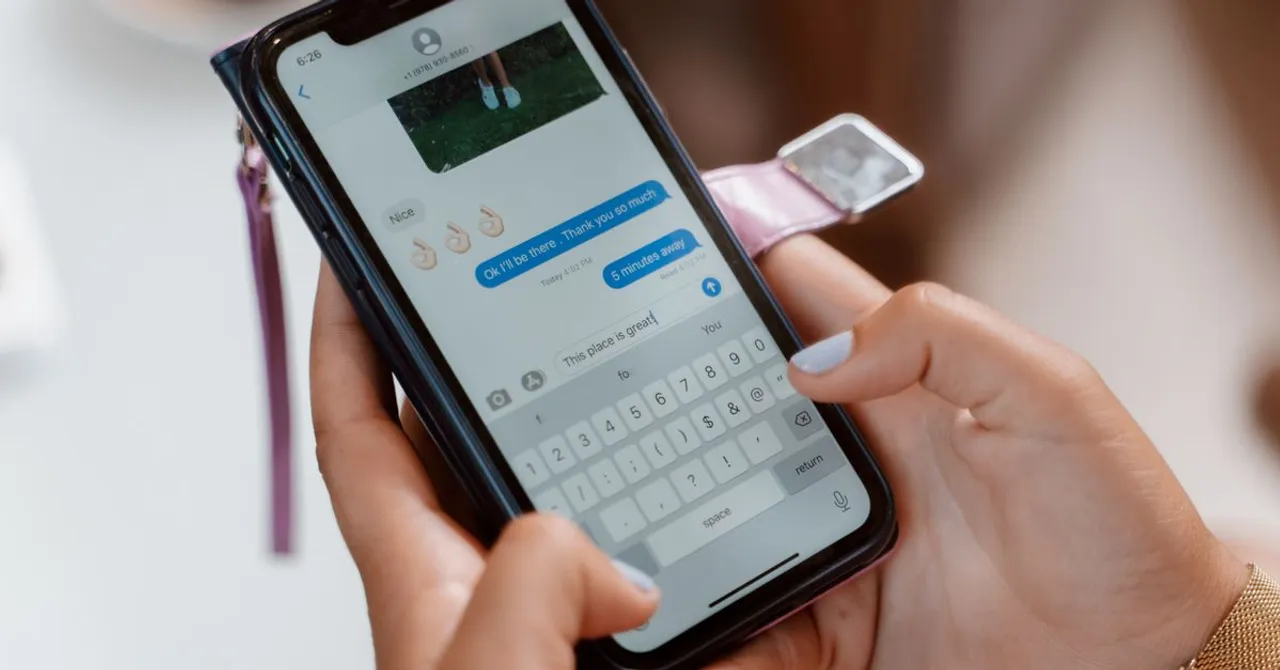
Yes. iMessage runs over data, so on a travel eSIM it only uses data you already paid for, with no charge per message. What can cost money is a message your iPhone resends as SMS when iMessage fails, and green-bubble texts to Android phones, which use your home line. Turn off Send as Text Message before you fly.
Contents
- Why iMessage costs nothing extra on a travel eSIM
- Blue or green: what each bubble costs abroad
- The setting that turns a free iMessage into a paid text
- Texting Android friends: RCS and SMS use your home line
- Keep iMessage on your number before you go
- Two setups that keep iMessage free
- What it looks like on a real trip
- Before you fly: a two-minute iMessage check
Your family group chat lights up on the train into Tokyo: three photos, a voice message and a question about dinner. If everyone in that chat has an iPhone and your travel eSIM is your data line, none of it costs you anything beyond a little data. iMessage is an internet service, not a carrier text, so it works like WhatsApp and rides whatever connection your phone has.
The catch is that the Messages app mixes iMessage with ordinary texts, sometimes in the same conversation, and those ordinary texts still go through your home carrier. Here is how to tell them apart, and the few settings that keep a trip's messages free.
Why iMessage costs nothing extra on a travel eSIM
Apple's own guide to iMessage spells out how it is billed.
Texts you send and receive using iMessage don’t count against your SMS, MMS, or RCS allowances in your cellular messaging plan, but cellular data rates may apply.
On a travel eSIM, those cellular data rates are the plan you bought before you flew. With both lines switched on, Apple says the travel eSIM carries the data while FaceTime and iMessage keep working on your home number, as its guide to using an eSIM while travelling explains. Your contacts see the same number and the same blue bubbles. A Zwitchy eSIM is data only, so there is no second number to confuse anyone.
Text uses almost no data. Photos, videos and voice messages are what count, and they come out of your plan like any other upload. Our guide to how much data apps really use has the numbers. FaceTime follows the same rule: free beyond the data, except in the few countries that block internet calls.
Blue or green: what each bubble costs abroad
Messages tells you the route before you send. Apple's guide says a blue send button means the message goes by iMessage, and a green one means it goes as SMS, MMS or RCS. Blue is data. Green is your home carrier.
| What you see | How it travels | Who charges you abroad |
|---|---|---|
| Blue bubble (iMessage) | Over data: your travel eSIM or Wi-Fi | Nobody per message. It uses your eSIM data |
| Green bubble, SMS | Your home carrier's network | Your carrier, at its roaming text rate or day pass |
| Green bubble, RCS | Your home carrier's RCS service | Your carrier. Some bill it as roaming data |
| Green bubble, MMS (photos, group texts) | Your home carrier's network | Your carrier, if it gets through at all |
On an EU phone plan travelling in another EU country, green bubbles matter much less. Under roam like at home, texts you send are charged at domestic rates and receiving them costs nothing extra. Where EU roaming stops covers the places that catch people out.
The setting that turns a free iMessage into a paid text
When an iMessage can't go out, because you are in a metro tunnel or your eSIM has run out of data, Messages can try again as an ordinary text from your home line. Apple describes the setting like this.
You can set up Messages so that it automatically tries to send messages as an SMS when iMessage isn't available.
At home that is handy. Abroad, a message you thought was free leaves as a roaming text, and you only notice the green bubble afterwards. On some plans one text costs a whole day: Verizon says a TravelPass session starts when you "make or answer a phone call, send a text or use data", and charges $12 for that day in most countries ($6 in Mexico and Canada), according to its TravelPass FAQ.
- Go to Settings > Apps > Messages and turn off Send as Text Message. On iOS 17 and earlier the switch is called Send as SMS, under Settings > Messages.
- If a message shows Not Delivered, tap the red exclamation mark and choose Try Again. The other option, Send as Text Message, is the one Apple warns may cost messaging rates.
- Switch the setting back on when you are home, so your messages still get through when iMessage is down.
Running out of data is the easiest way for iMessage to stop mid-trip, and that is exactly when the text fallback kicks in. Keep an eye on your balance and top up before it hits zero: a top-up lands on the same eSIM, with no new QR code.
Texting Android friends: RCS and SMS use your home line
Messages to Android phones can't use iMessage. They go as RCS where your carrier supports it, and as SMS or MMS otherwise. Apple is clear about who runs RCS.
RCS is provided by your cellular carrier, not by Apple.
That makes the price your carrier's decision. Three in the UK, for example, says RCS used while roaming is charged as data, and suggests turning off data roaming or RCS before you travel.
If you use RCS while roaming, you'll be charged for the data used.
Picture messages and group texts sent as MMS can stop altogether. When the line that carries your data is roaming, which is exactly how a travel eSIM works, Apple says your other line loses MMS.
If data roaming is on for the number that uses cellular data, then your voice-only number will disable Visual Voicemail and MMS.
The simple fix is to move chats with Android friends to WhatsApp, Signal or another app that runs over data for the length of the trip. Those messages ride the eSIM just like iMessage does. Turning RCS off under Settings > Apps > Messages > RCS Messaging doesn't make those texts free: they go as SMS instead.
Keep iMessage on your number before you go
iMessage can use both your phone number and your Apple Account email. Check that your number is ticked under Settings > Apps > Messages > Send & Receive, so friends who text your number still reach you in blue.
Do this at home, and avoid signing out of iMessage or setting up a new iPhone mid-trip. Activating your number sends a text from your home line, and Apple warns it can cost money.
Depending on your carrier, you might be charged for this SMS.
The same page says it might take up to 24 hours for your carrier to verify your number with Apple. That is a long wait in a foreign city.
Two setups that keep iMessage free
Both setups use the travel eSIM for data. The difference is what you do with your home line.
| Home line on, its data roaming off | Travel eSIM only, home line off | |
|---|---|---|
| iMessage and FaceTime on your number | Yes, over the eSIM | Yes, over the eSIM |
| Bank and login codes by SMS | Arrive as normal | Don't arrive |
| Calls to your number | Ring, billed by your carrier | Don't ring |
| Risk of roaming charges | Low, with Send as Text Message off | None from your carrier |
| Best for | Most trips | Trips where you won't need SMS codes |
Apple confirms the second setup works for messages.
If you choose to only use your travel eSIM, FaceTime and iMessage will continue to work on your home line.
For most people the first setup is the better one, because banks and apps still send codes by text. Dual SIM done right walks through every line setting, and SMS codes not arriving abroad covers what to do when a code goes missing.
What it looks like on a real trip
- A week in Japan with an all-iPhone family chat: blue bubbles, photos and FaceTime calls home all run on the eSIM. The only cost is the data.
- A friend with an Android phone in Barcelona: switch that chat to WhatsApp for the trip, or your green texts go through your home carrier.
- Your bank's login code: it still arrives by SMS on your home line, and receiving a text is free on most plans.
- A long-haul flight: your eSIM is off in the air, but many airlines now offer free messaging Wi-Fi for apps like iMessage and WhatsApp. Free Wi-Fi on planes lists which ones.
Before you fly: a two-minute iMessage check
- Install your travel eSIM at home and make it your mobile data line.
- Turn off Send as Text Message under Settings > Apps > Messages.
- Check Send & Receive shows your phone number with a tick.
- Turn off data roaming on your home line, and leave it on for the eSIM. Why that is the safe way round.
- Move chats with Android friends to WhatsApp or Signal for the trip.
- Set a reminder to switch Send as Text Message back on when you land at home.
Does iMessage cost money abroad?
Not per message. iMessage uses data, so on a travel eSIM it only uses your plan's data. Apple says iMessage doesn't count against your SMS allowance, though data rates may apply, which on a travel eSIM means the plan you already bought.
Will iMessage use my home carrier's roaming?
Not if your travel eSIM is your mobile data line and data roaming is off on your home line. The only route back to your carrier is a green bubble: an SMS, MMS or RCS message.
Why did my iMessage send as a green text abroad?
iMessage couldn't get through, usually because of no signal or no data left, and Send as Text Message resent it as an SMS from your home line. Turn that setting off for the trip.
Does iMessage work if I turn off my home SIM?
Yes. Apple says that if you only use your travel eSIM, FaceTime and iMessage keep working on your home number. You won't get SMS codes or calls on that number until you turn the line back on.
Can I text Android users for free abroad?
Not through Messages. RCS, SMS and MMS all go through your home carrier. Use WhatsApp, Signal or another app that runs over data, which uses your eSIM.
Is FaceTime free abroad with a travel eSIM?
Yes, it works the same way and only uses data. Video calls use far more data than messages, and a few countries, such as the UAE, block FaceTime calls.
Do I need to reactivate iMessage after installing a travel eSIM?
No. The travel eSIM only carries data, so iMessage stays on your home number. Activation only comes up if you sign out or move to a new iPhone, and that sends an SMS your carrier may charge for.


