Hotspot and tethering on a travel eSIM: what to know
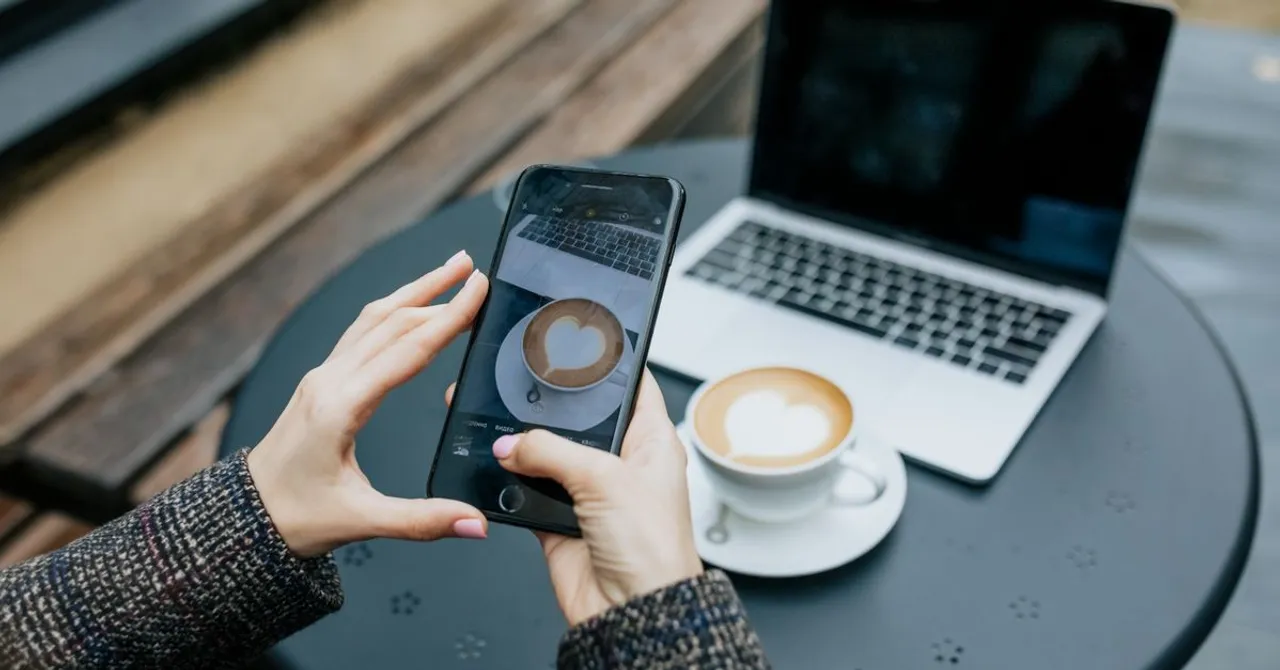
Tethering works on virtually every plan and costs nothing extra: shared data comes out of your normal allowance. Turn it on under Personal Hotspot on iPhone, or Hotspot & tethering on Android. Budget for it: a tethered laptop browsing runs 100–200 MB per hour, HD video 1.5–3 GB. Watch the fair-use cap on unlimited plans.
Contents
One of the quiet superpowers of a travel eSIM is that it isn't locked to a single device. Need to get a laptop online in a café, share data with a travel companion, or connect a tablet on the train? You can, by turning your phone into a mobile hotspot. It works on virtually every plan, but there are two things worth understanding before you lean on it: tethering pulls from the same data allowance, and “unlimited” plans often treat heavy tethering differently. Here's the practical guide.
What tethering actually is
Tethering (also called using a personal hotspot) means sharing your phone's mobile data with another device over Wi-Fi, Bluetooth or a cable. Your phone becomes a little router: the laptop or tablet connects to it, and all their traffic rides your travel eSIM's data. The other device doesn't need its own eSIM or SIM, it's borrowing yours. It's the same feature you'd use at home, just running over the eSIM instead of your home plan.
Does tethering use extra data? (Yes, and here's how much)
This is the part people miss: every megabyte a tethered device uses comes out of your eSIM's allowance, exactly as if your phone had used it. There's no surcharge, but a laptop is hungrier than a phone, desktop websites are heavier, cloud apps sync in the background, and a single video call or OS update can run to gigabytes. Size accordingly.
| Tethered activity | Rough data use |
|---|---|
| Email, chat, browsing on a laptop | ~100–200 MB / hour |
| Video call (Zoom/Teams) | ~0.5–1.5 GB / hour |
| HD video streaming | ~1.5–3 GB / hour |
| Cloud backup / file sync | As large as the files |
| OS or app updates | Hundreds of MB to several GB |
How to turn on your hotspot
It's two taps on either platform, set a password and switch it on:
- iPhone: Settings → Personal Hotspot → toggle “Allow Others to Join”, and make sure the data line is your travel eSIM. (Apple's official steps)
- Android: Settings → Network & internet → Hotspot & tethering → Wi-Fi hotspot → turn it on. (Google's official steps)
- On the other device, connect to the hotspot's name and password like any Wi-Fi network.
If your hotspot won't share data, check that the travel eSIM (not your home SIM) is set as the mobile-data line, and that Data Roaming is on for it, the same two toggles that get the phone itself online.
Watch the fair-use cap on “unlimited” plans
If you're tethering heavily, read the fair-use policy on any “unlimited” plan before you rely on it. Unlimited almost always means a high cap of full-speed data, after which speeds drop, fine for a phone, but a tethered laptop streaming all day can hit that ceiling faster. For occasional hotspot use it never matters; for a working trip, check the number.
Size your plan so tethering doesn't catch you out
Because tethering shares one allowance, a trip where you'll regularly hotspot a laptop needs a bigger plan than a phone-only trip, or an unlimited one with generous fair-use terms. It's one of the six factors in choosing a plan, and it feeds directly into what you'll pay: more data, or unlimited, costs more, so be honest about how much you'll tether. Not sure? Estimate your usage with the laptop included and add a buffer.
Make tethered data go further
The same tricks that stretch phone data work double on a laptop, which is the bigger drain. Drop video calls to audio-only when you can, pause cloud backup and big syncs until you're on Wi-Fi, and hold OS updates for the hotel. Our data-saving guide has the full list, applying even the top few keeps a tethering trip on a sensible plan.
Can I use a hotspot on any travel eSIM?
On most plans, yes, tethering is allowed by default. A few budget plans restrict or throttle it, so check the plan details if hotspot use is essential to your trip.
Does tethering cost extra money?
No surcharge, but every megabyte a tethered device uses comes out of your eSIM's data allowance. A laptop uses far more than a phone, so size your plan with that in mind.
Why is my hotspot connected but there's no internet?
Almost always because the travel eSIM isn't set as the data line, or Data Roaming is off for it. Fix those two toggles and the shared connection works. Our troubleshooting guide covers the rest.
Can I share my eSIM with a friend's phone?
Yes. Their phone connects to your hotspot like any Wi-Fi network, no eSIM needed on their end. Just remember it all draws from your allowance.
Is it better to tether or buy a second eSIM?
For light, occasional sharing, tether. If a travel companion will use heavy data daily, a second eSIM (or a larger/unlimited plan) is usually cheaper and avoids draining one person's data.


