Install & activate
Step-by-step setup: installing your eSIM, activating it, and switching it on when you land.
The iPhone Duo has no SIM tray anywhere. How to move your number to eSIM, what each carrier charges, and where the iPhone's own button won't work.
Can't scan the QR code? Install any Zwitchy eSIM manually: where to find your SM-DP+ address and activation code, and how to enter them on iPhone and Android.
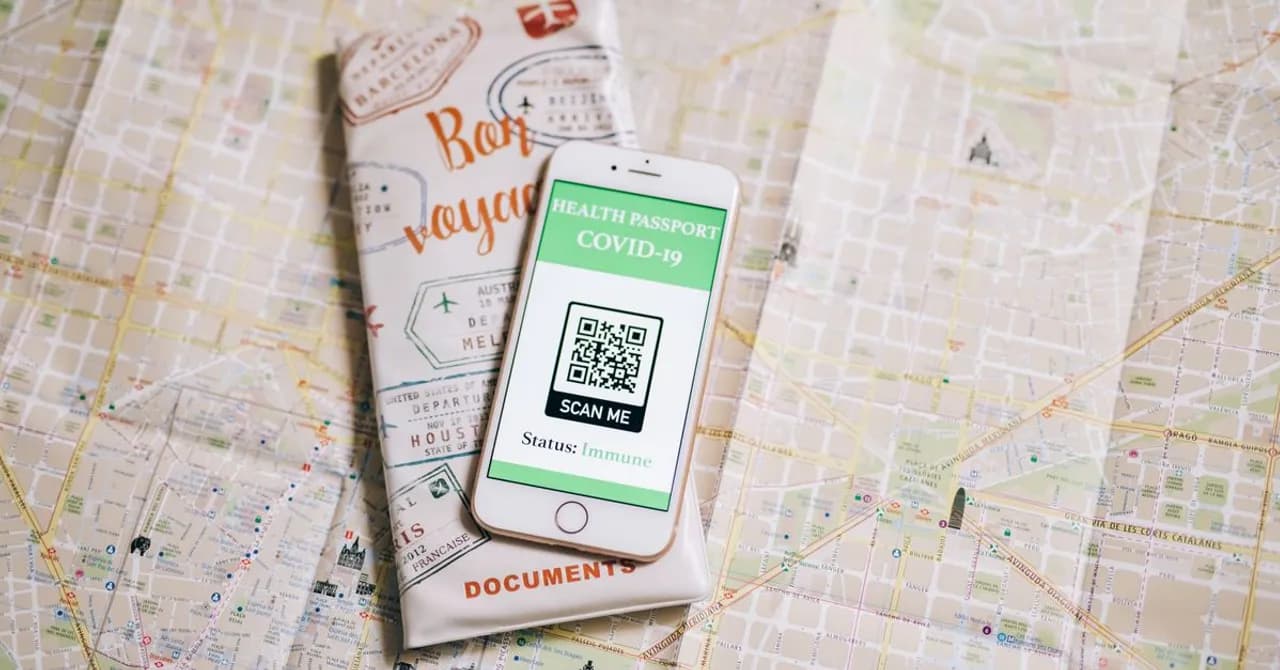
A QR code that won't scan is almost always a quick fix, not a broken eSIM. Here are the reasons, and the ordered steps to install your Zwitchy eSIM in minutes.

An eSIM is tied to one device and doesn't move automatically. Here are the realistic ways to shift your Zwitchy travel eSIM to a new phone.
Delete your travel eSIM when you get home, or keep it for next time? How to remove an eSIM on iPhone and Android, and when keeping it saves you a reinstall.
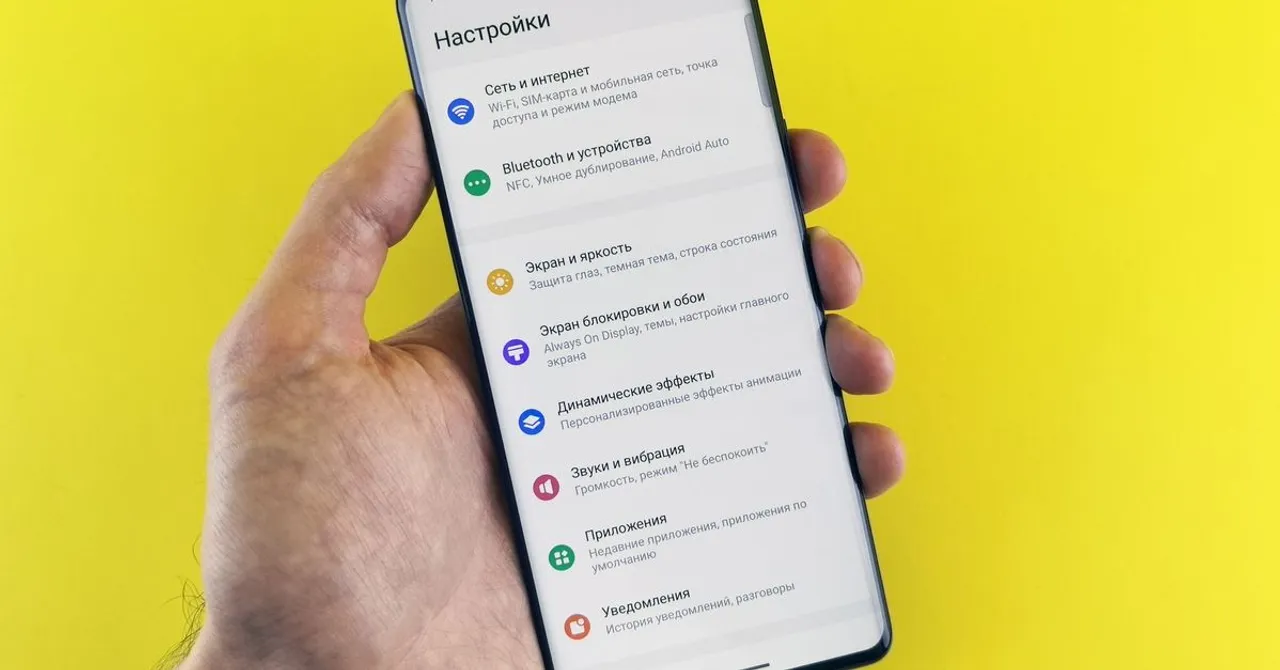
An APN connects your phone to mobile data. A Zwitchy travel eSIM sets it automatically, so most travelers never touch it, here's where to find it, just in case.

Trained to fear roaming charges? A travel eSIM is different. Here's why Data Roaming ON is safe, prepaid, and required to get your Zwitchy eSIM online abroad.
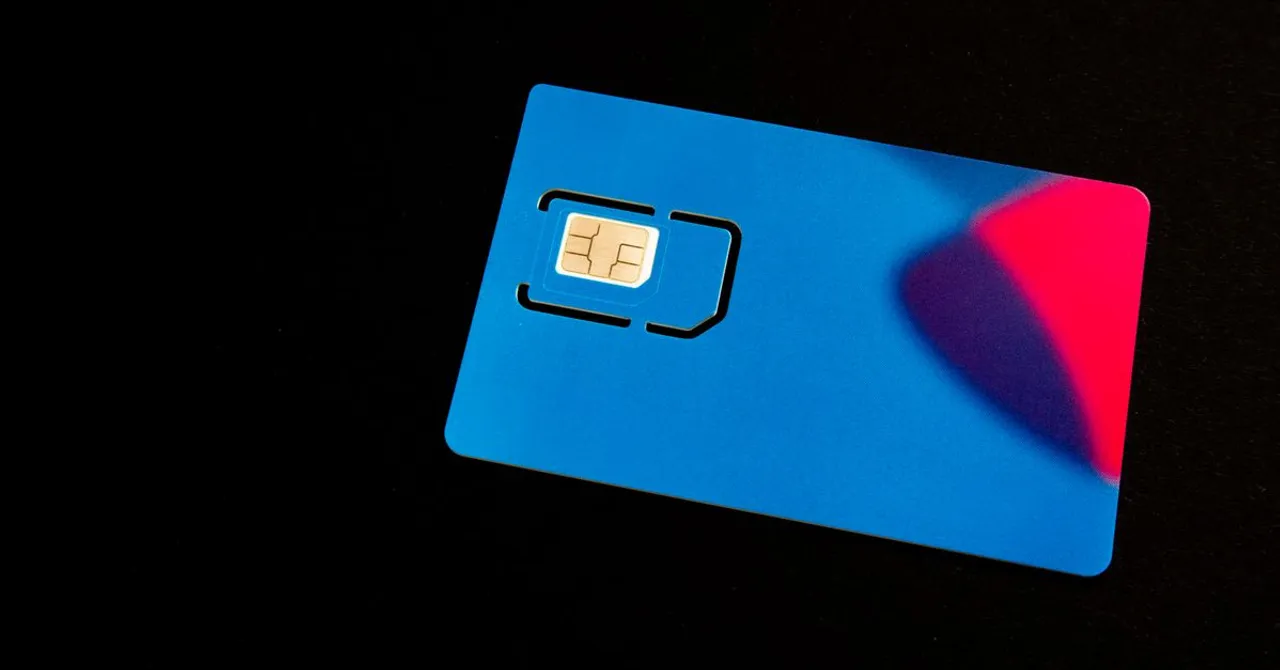
A travel eSIM next to your home SIM makes your phone dual-SIM. Check these five line settings for cheap data abroad without breaking calls, texts or bank codes.
Installing your eSIM uses no data and starts nothing. Your allowance and validity begin on your first connection abroad, so buying early is safe.
Yes, you can share a travel eSIM with your laptop and travel companions, here's how to turn it on, what it costs you in data, and how to size a plan for it.
The complete install walkthrough for both iPhone and Android, exact menus, what to do before you fly, and the two toggles to flip the moment you land.

Why you should install at home on Wi-Fi, and the one setting people always forget on arrival.